- Home
- Center G Games
- GSWITCH








































Center G · ClassroomCenterG.comThe place to play free games!
How was it?
About GSWITCH
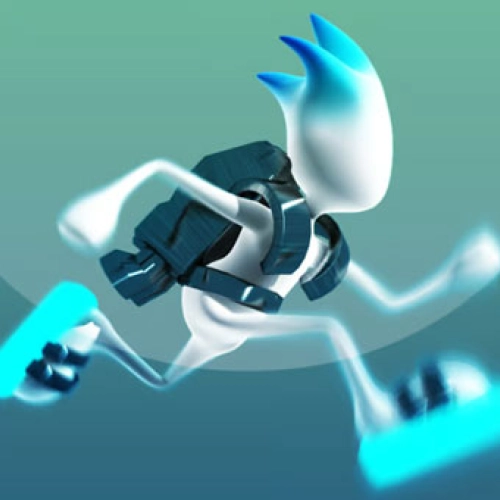
The first time you hit the switch in G-Switch, your brain does a backflip. Floors become ceilings, spikes flip into safe paths, and suddenly you’re surfing the level’s rhythm instead of just running. It’s a one-key runner (tap to reverse gravity) that feels simple at first, then turns into this tight timing game where every flip matters.
How it actually plays
You sprint automatically. Your job is to flip at the right beats—early to clear long gaps, late to snake through micro-ceilings, never panic-flip on blind corners. Miss by a fraction and you’ll pancake into a wall (lol, it happens). Nail a chain of perfect flips and the whole track flows like a song.
Modes & mayhem
Solo runs are great for learning the tempo, but the real chaos is local multiplayer—stack the keyboard with friends and race as speed ramps up. Clean routes and quick reactions win, but confidence is the secret stat. The difficulty curve is fair: early sections teach spacing; later ones add snap corners, vanishing platforms, and squeeze tunnels that test nerves.
Quick tips from a sweaty switcher
• Keep your thumb light—committed taps beat spam every time.
• Look two obstacles ahead; your next landing is more important than the current one.
• Treat long straights like a metronome: flip on the downbeat, not the panic beat.
If you like G-Switch, try these two next
• Vex 8 — precision parkour with traps, wall-jumps, and speedrun lines for days.
• OvO — slick momentum tech, tight levels, and big brain shortcuts when you master movement.
Why it’s addicting
That “just one more” loop is real. You’ll fail fast, reset faster, and suddenly your flips sync with the map like you’ve unlocked a sixth sense. It runs smooth in-browser, so it’s perfect for quick study breaks or sweaty PB sessions.
How it actually plays
You sprint automatically. Your job is to flip at the right beats—early to clear long gaps, late to snake through micro-ceilings, never panic-flip on blind corners. Miss by a fraction and you’ll pancake into a wall (lol, it happens). Nail a chain of perfect flips and the whole track flows like a song.
Modes & mayhem
Solo runs are great for learning the tempo, but the real chaos is local multiplayer—stack the keyboard with friends and race as speed ramps up. Clean routes and quick reactions win, but confidence is the secret stat. The difficulty curve is fair: early sections teach spacing; later ones add snap corners, vanishing platforms, and squeeze tunnels that test nerves.
Quick tips from a sweaty switcher
• Keep your thumb light—committed taps beat spam every time.
• Look two obstacles ahead; your next landing is more important than the current one.
• Treat long straights like a metronome: flip on the downbeat, not the panic beat.
If you like G-Switch, try these two next
• Vex 8 — precision parkour with traps, wall-jumps, and speedrun lines for days.
• OvO — slick momentum tech, tight levels, and big brain shortcuts when you master movement.
Why it’s addicting
That “just one more” loop is real. You’ll fail fast, reset faster, and suddenly your flips sync with the map like you’ve unlocked a sixth sense. It runs smooth in-browser, so it’s perfect for quick study breaks or sweaty PB sessions.
GSWITCH is free to play on Classroom Center G. It loads fast, runs in your browser and works on school Chromebooks — perfect for a quick 5–10 minute break.
How to play
Controls are shown in-game.


























Comments( 0 )