- Home
- Center G Games
- 3D BOWLING








































Center G · ClassroomCenterG.comThe place to play free games!
How was it?
About 3D BOWLING
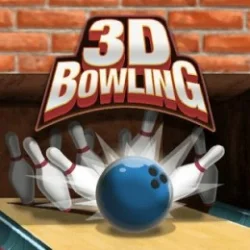
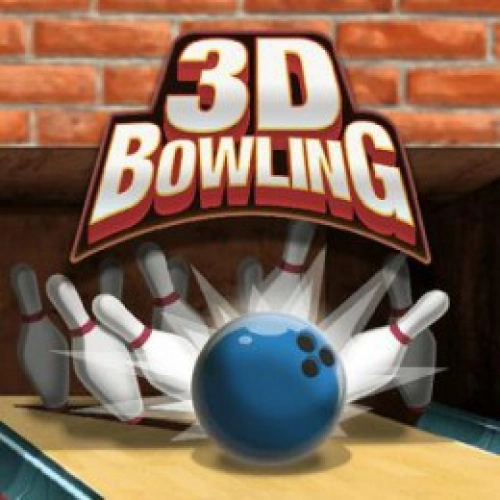
3D Bowling is that “one more frame” game that eats your break in the best way. Clean lanes, chunky pin sounds, and physics that actually feel right—so when you hit the pocket, it’s mega satisfying. You line up, set power, add a little hook, and watch the ball slide into the 1–3 (righty) or 1–2 (lefty) pocket like it’s meant to be. Miss by a board? No meltdown—adjust and shoot again.
How to roll
On desktop, click/drag to aim over the arrows, drag again to set power, then release to throw. Add a gentle curve as the ball travels for that late, sneaky hook. On mobile, it’s the same idea with a swipe—keep it smooth instead of yanking. Pro move: start a hair right of center (or left if you’re a lefty), and let a tiny hook “kiss” the pocket rather than bulldozing it.
Scoring that makes sense
It’s standard 10-frame rules: strikes and spares give bonus rolls, so consistent pocket hits > blasting the ball. For corner pins, go cross-lane—aim wider so the ball travels through the biggest angle. If you’re hunting a 10-pin (righty), move your feet a few boards left and roll across; same logic flipped for lefties on the 7-pin.
Why it’s addictive
The ball has believable weight, the rumble before impact is chef’s kiss, and pins scatter differently based on entry angle—so you learn fast what works. You can grind solo for rhythm, swap turns with a friend for bragging rights, or aim for that clean 200+ with a spare system that never panics. It runs smooth on both mouse and touch, which is perfect for quick frames between classes.
Quick tips from a friendly lane goblin
• Start straighter than you think. Big hooks look cool, but small hooks repeat better.
• Pick a board and commit. Move your feet to adjust; don’t chase with your eyes.
• Smooth > fast. Pocket entry angle beats raw power every time.
Related games
• Bowling Stars — crisp physics for strike practice.
• The Bowling Club — level up and test spare consistency.
Roll for a new high score and more sports gems at Classroom Center Online Games
How to roll
On desktop, click/drag to aim over the arrows, drag again to set power, then release to throw. Add a gentle curve as the ball travels for that late, sneaky hook. On mobile, it’s the same idea with a swipe—keep it smooth instead of yanking. Pro move: start a hair right of center (or left if you’re a lefty), and let a tiny hook “kiss” the pocket rather than bulldozing it.
Scoring that makes sense
It’s standard 10-frame rules: strikes and spares give bonus rolls, so consistent pocket hits > blasting the ball. For corner pins, go cross-lane—aim wider so the ball travels through the biggest angle. If you’re hunting a 10-pin (righty), move your feet a few boards left and roll across; same logic flipped for lefties on the 7-pin.
Why it’s addictive
The ball has believable weight, the rumble before impact is chef’s kiss, and pins scatter differently based on entry angle—so you learn fast what works. You can grind solo for rhythm, swap turns with a friend for bragging rights, or aim for that clean 200+ with a spare system that never panics. It runs smooth on both mouse and touch, which is perfect for quick frames between classes.
Quick tips from a friendly lane goblin
• Start straighter than you think. Big hooks look cool, but small hooks repeat better.
• Pick a board and commit. Move your feet to adjust; don’t chase with your eyes.
• Smooth > fast. Pocket entry angle beats raw power every time.
Related games
• Bowling Stars — crisp physics for strike practice.
• The Bowling Club — level up and test spare consistency.
Roll for a new high score and more sports gems at Classroom Center Online Games
3D BOWLING is free to play on Classroom Center G. It loads fast, runs in your browser and works on school Chromebooks — perfect for a quick 5–10 minute break.
How to play
Game is played with mouse.


























Comments( 0 )